Diagrams and Naming Conventions
25/5/2025
I wasn't sure exactly where to start and where this project would lead, but I knew I wanted to fully self-host a security blog. To do that, I needed to design and build a homelab.
I had learned and read about the risks of hosting a website on my home network, so I knew I needed to be careful during the design phase. I decided to make my initial focus network segmentation.
To simplify the build process I decided to purchase an Ubiquity gateway to run a VPN server and a cheap TP-Link managed switch for hands on VLAN segmentation.
These devices allowed me to split my home network into several parts. I settled on the diagram below for my initial layout. This design kept my lab environment separate from my main home network and further isolates devices within the network as needed.
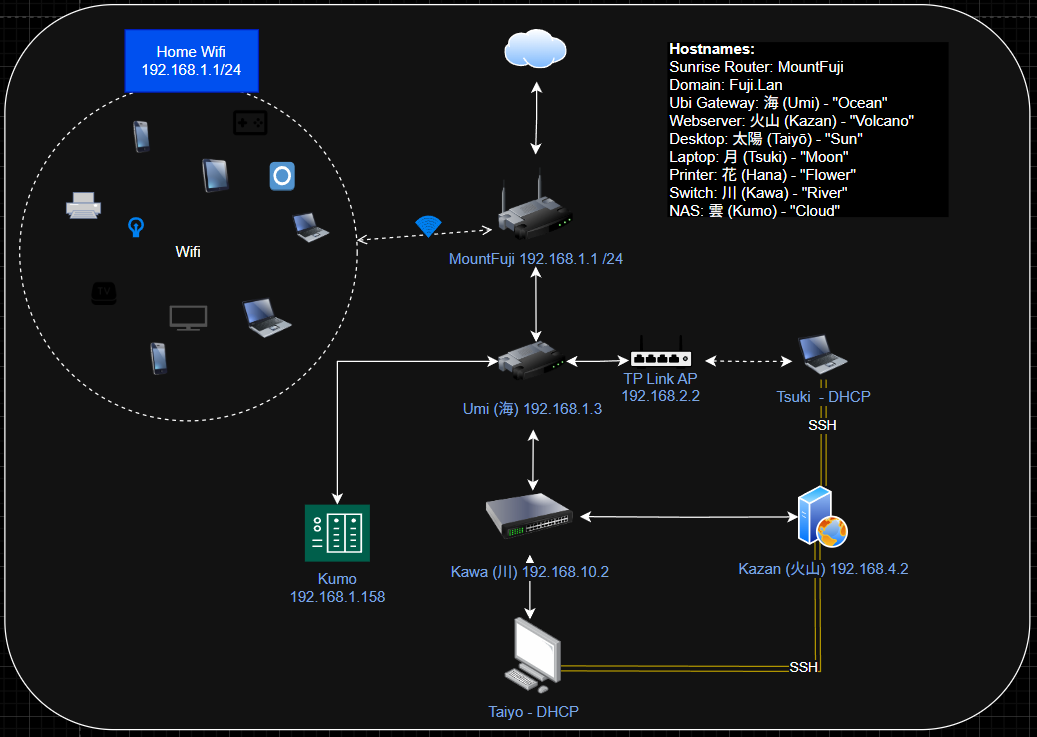
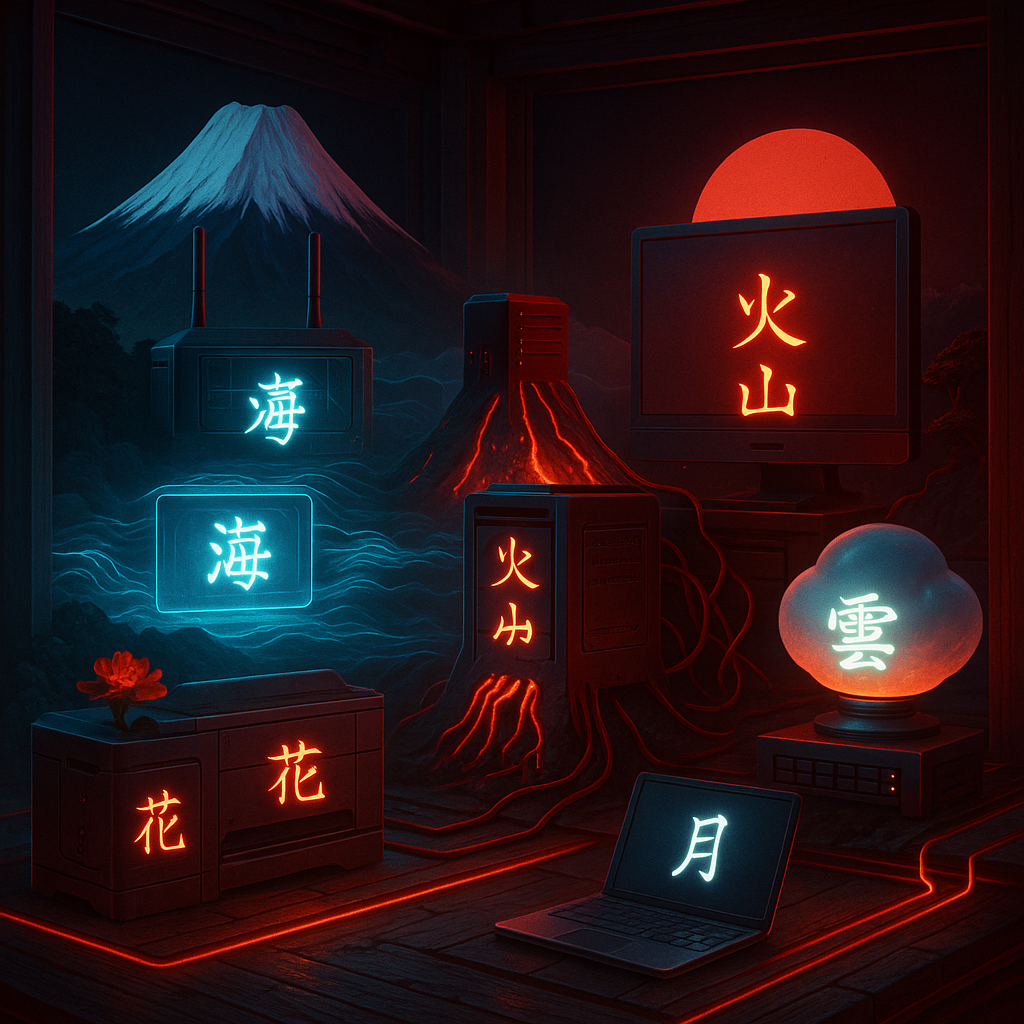
As you can see, the hostnames are all in Japanese. All good projects need good naming conventions. I decided to go with a Japanese nature theme.
As you can see, the hostnames are all in Japanese. All good projects need good naming conventions. I decided to go with a Japanese nature theme.
- Router: 富士 (Fuji) - The ISP router mountain overshadowing everything
- Gateway: 海 (Umi) - Meaning ocean, for the ubiquity gateway through which all information ebbs and flows
- Switch: 川 (Kawa) - Meaning river, who flows constantly to and from the ocean
- Webserver: 火山 (Kazan) - Meaning volcano, where information explodes out into all directions like a volcanic eruption
- Desktop: 太陽 (Taiyō) - Meaning sun, because like me it needs rest at night
- Laptop: 月 (Tsuki) - Works in synchronicity with the sun and whos dim light keeps me up later than I should at night
- Printer: 花 (Hana) - Meaning flower, symbolizing its small but important part of the whole picture
- NAS: 雲 (Kumo) - Meaning cloud, symbolizing it's ephemeral piece of this puzzle