Setting up a VPN
12.7.2025
After some time away I realized I needed a way to improve my workflow for this project by implementing a VPN and integrating Git.
The whole process was pretty simple with my gateway thankfully. I just had to click to enable WireGuard in Ubiquity and set my desired VLAN, enable port forwarding for the WireGuard VPN on my home router, install the client on my endpoint, and import the WireGuard settings. I decided to go with WireGuard for ease of use.
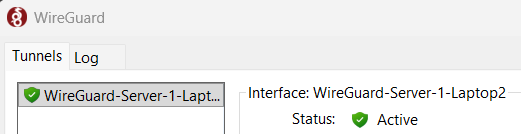
All of a sudden I was connected to my home network seamlessly and could ping my Ubuntu server from anywhere with my laptop using VPN!